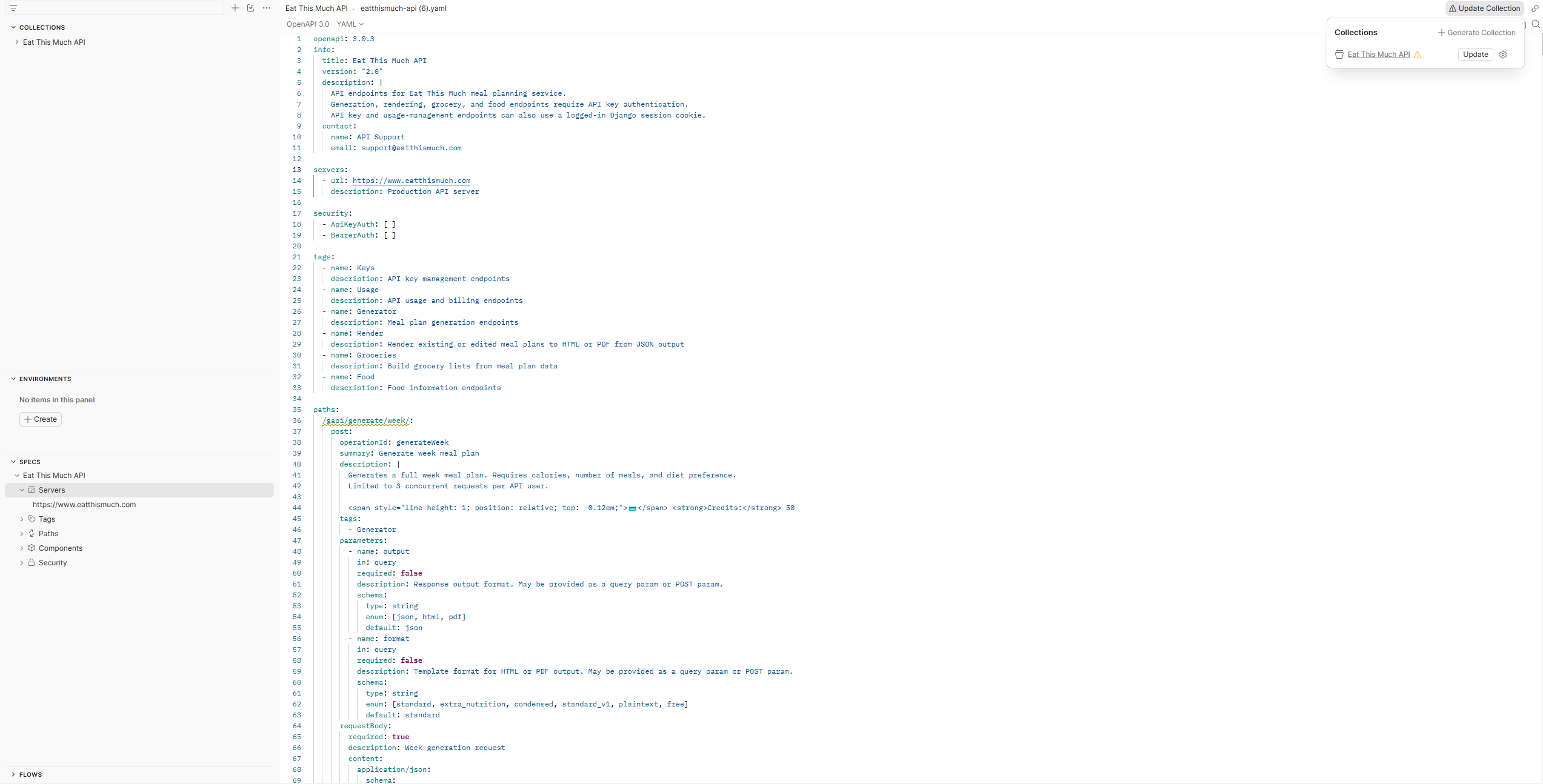
Import this API into Postman
Postman is a free tool for testing and interfacing with APIs. You can download it here.
Use the OpenAPI spec to create a Postman collection with the current endpoints, request bodies, and authentication settings.
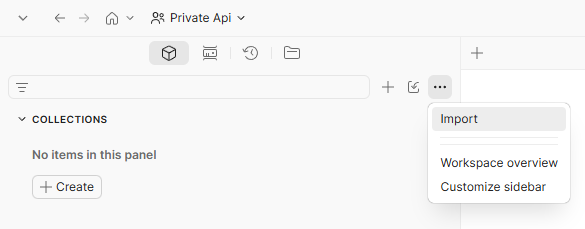
- In Postman, open your workspace. In the left sidebar, click the three-dot menu next to the sidebar controls, then choose Import. If you only see Create manually, go back to the main workspace sidebar and use this three-dot menu import option.
- Paste this link into the import field
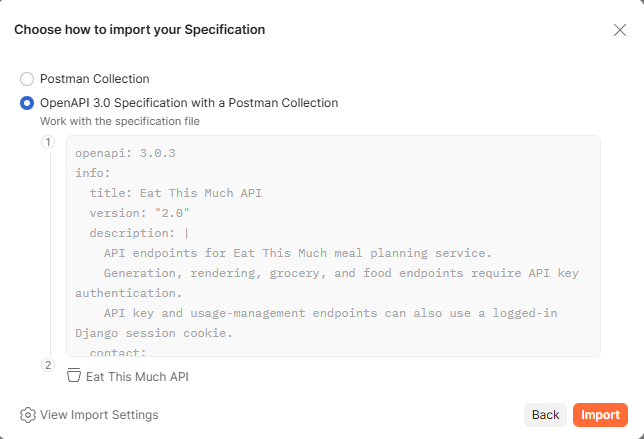
https://www.eatthismuch.com/g/openapi.yamlor choose Files and select the downloadedeatthismuch-api.yamlfile. - When Postman asks how to import the specification, choose OpenAPI 3.0 Specification with a Postman Collection, then click Import. This keeps the collection linked to the API specification.
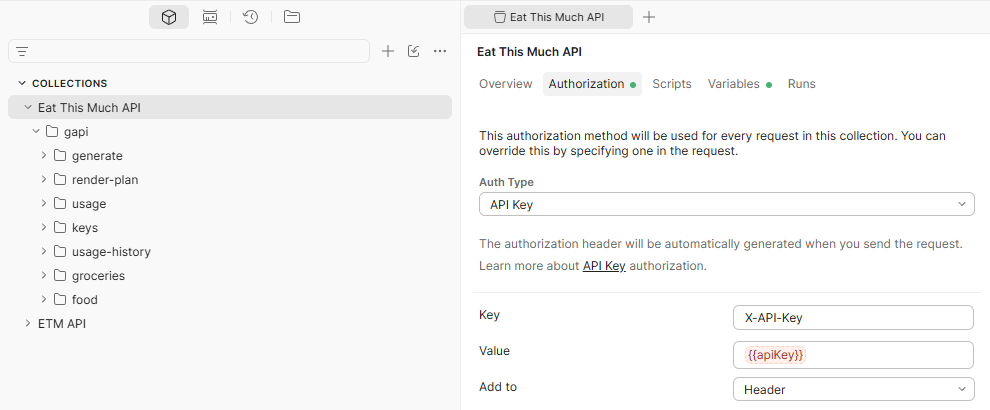
- Postman will create a linked collection from the OpenAPI spec. Open that collection, then select the
Authorization tab. Set Auth Type to API Key, set Key
to
X-API-Key, paste your API key into Value, and leave Add to set to Header. - To test generation, open gapi > generate > week >
Generate week meal plan. Use the Params tab for options like
output,format, andinclude_groceries, then open the Body tab to edit the JSON request before clicking Send. - For later OpenAPI changes, open Specs > Eat This Much API, select the YAML
spec file, replace its contents with the updated
openapi.yaml, and save. Then use Update Collection in the top right to apply the spec changes to the linked Postman collection.
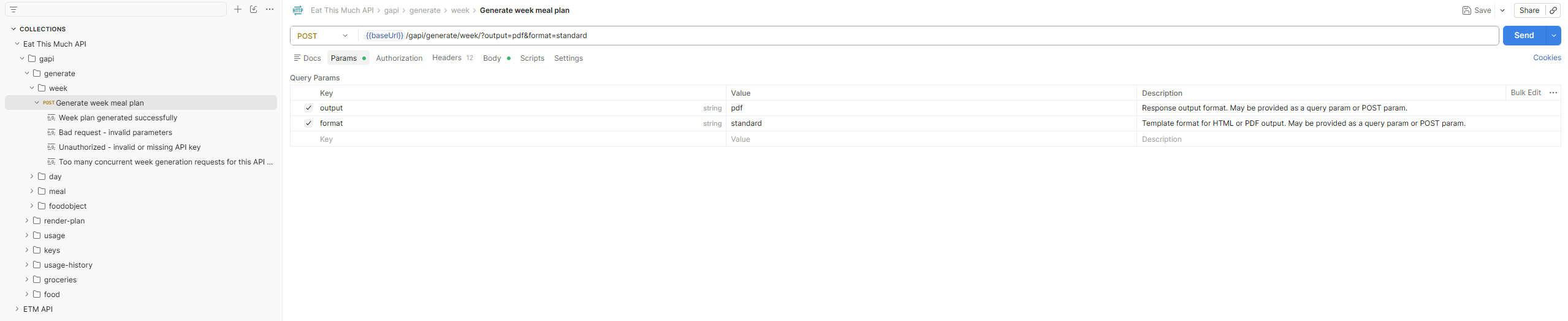
gapi > generate > week.